
Stop wasting your money on “pro-grade” pads that cost sixty bucks just because a streamer with a massive sponsorship deal told you they’re the secret to hitting headshots. I spent three months in a ranked hellscape back in 2021 because I thought a high-end hybrid pad would fix my shaky micro-adjustments, only to realize the surface tension was actually fighting my muscle memory. Most of the advice you see online about how to choose a mousepad is just marketing fluff designed to make you think gear matters more than your actual aim. It doesn’t.
I’m not here to give you a list of brands to fetishize or a lecture on weave density that sounds like a textbook. I’m going to break down the actual physics of static vs. dynamic friction and tell you how to match a surface to your specific grip style without the bullshit. My goal is to give you the specific, no-nonsense data on glide and stopping power so you can stop guessing and start playing.
Table of Contents
Forget the Brand Name Navigating Gaming Mousepad Types
Forget the Brand Name: Navigating Gaming Mousepad Types
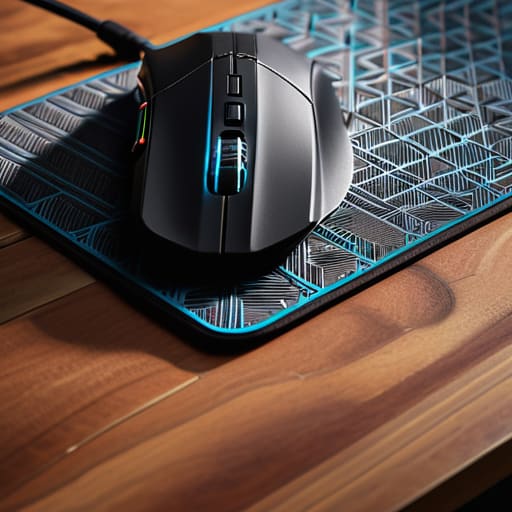
Stop looking at the logo on the corner and start looking at the weave. Most people get stuck in the marketing loop, thinking a higher price tag equals better aim, but it’s actually just about physics. When you’re looking at different gaming mousepad types, you’re really just deciding how much energy you want to spend fighting your own equipment.
The biggest divide is the classic cloth vs hard mousepad debate. If you’re playing a tactical shooter where one pixel determines if you win or lose, you want a control surface—something with enough grit to stop your mouse from sliding when you try to micro-adjust. If you’re playing high-mobility arena shooters, you might want a speed surface, but be warned: speed surfaces can feel like you’re playing on ice, which ruins your muscle memory if you can’t find a consistent stopping point.
It all comes down to mousepad friction levels. A “speed” pad has low static friction, meaning it’s easy to get the mouse moving, but it can be a nightmare to stop. I’ve spent too many hours in spreadsheets trying to find the sweet spot where the surface provides enough texture for precision without feeling like you’re dragging your sensor through sand.
Control vs Speed Surfaces Finding Your True Friction Level
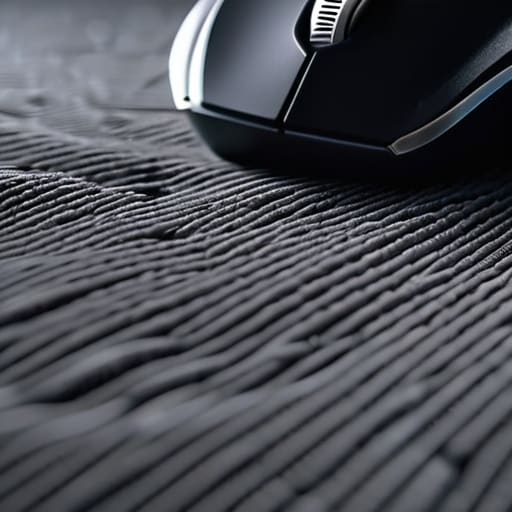
Most people treat “speed” and “control” like they’re binary choices, but it’s actually a spectrum of kinetic friction. If you’re playing a high-TTK (time-to-kill) shooter like Apex or Overwatch, you’re probably leaning toward a speed surface to facilitate those fast, sweeping tracking motions. These pads minimize the initial force needed to move the mouse, which sounds great until you realize you can’t stop on a dime. I’ve spent way too many hours in ranked losing duels because my mouse felt like it was on ice, making micro-adjustments impossible.
If you’re playing something tactical like Valorant or CS2, you need to prioritize mousepad texture for precision. You want a surface that provides enough stopping power to lock onto a headshot without feeling like you’re dragging your sensor through mud. This is where the debate between control vs speed surfaces actually matters. A control pad offers that slight “tug” or tactile feedback that tells your brain exactly where the cursor is. Don’t just buy whatever the pro player in the YouTube thumbnail is using; if your aim feels jittery and overshot, your friction level is too low.
Stop Guessing: 5 Rules for Not Wasting Your Money
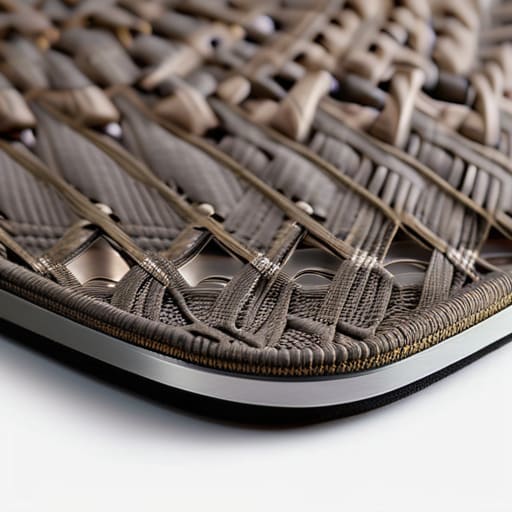
- Check the edge stitching. If it’s thick and raised, it’s going to dig into your wrist during a long session. Look for low-profile, tight stitching that sits flush with the cloth so you aren’t fighting your own gear while trying to hold an angle.
- Measure your actual movement, not your “ideal” space. I’ve seen people buy massive desk mats only to realize their keyboard setup leaves zero room for a flick shot. If you play low sens, measure your widest possible arc before you click buy.
- Test the humidity factor. If you live somewhere humid, a cheap cloth pad is going to turn into a swamp within a month, making your mouse feel heavy and sluggish. If you can’t control your environment, look for synthetic blends that don’t soak up moisture like a sponge.
- Don’t ignore the base. If the rubber backing is cheap or uneven, the pad will migrate every time you make a sudden movement. A pad that slides during a clutch is just as useless as a pad with bad friction.
- Stop chasing “pro” endorsements. Just because a top-tier player uses a specific pad doesn’t mean it works for your grip or your sensor. They have the muscle memory to compensate for almost anything; you shouldn’t have to.
The Bottom Line
Stop chasing “pro” endorsements; if the surface feels like sandpaper or makes your micro-adjustments feel mushy, the brand name won’t save your aim.
Define your friction before you spend a cent—if you’re a tactical shooter player, you need control to stop the overshooting, not a speed pad that turns every movement into a slide.
Size matters more than aesthetics; get a pad large enough that you aren’t hitting the edge of your desk during a low-sens flick, regardless of how much desk space it eats up.
Stop Guessing and Start Testing
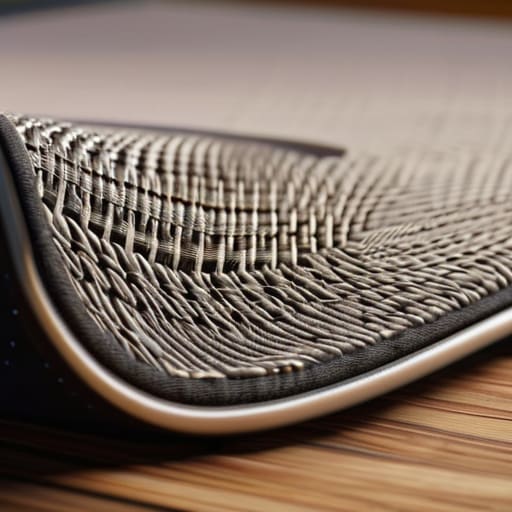
Look, you don’t need a $60 limited edition designer pad to fix your aim. If you’ve done the work, you know that your choice comes down to a simple equation: the friction of the surface versus the weight of your mouse and your own muscle memory. Stop chasing the “pro player” meta if their setup feels like sliding on ice when you need to stop on a dime. You need to decide if you’re a control player who needs that micro-adjustment stability or a speed seeker who can’t afford a single millisecond of drag. Check the weave, ignore the logos, and focus on whether the texture actually helps you hit your targets consistently without fighting the cloth.
At the end of the day, a mousepad is just a tool, not a magic fix for a bad crosshair placement. You can buy the most expensive cloth on the market, but if your sensor is tracking poorly or your desk is uneven, you’re just wasting money. My advice? Buy something mid-range, test it for a week of ranked play, and if it feels mushy or inconsistent, toss it. Don’t settle for a setup that makes you feel like you’re fighting your own gear. Find the friction that works, lock in your settings, and then get back to the game.




