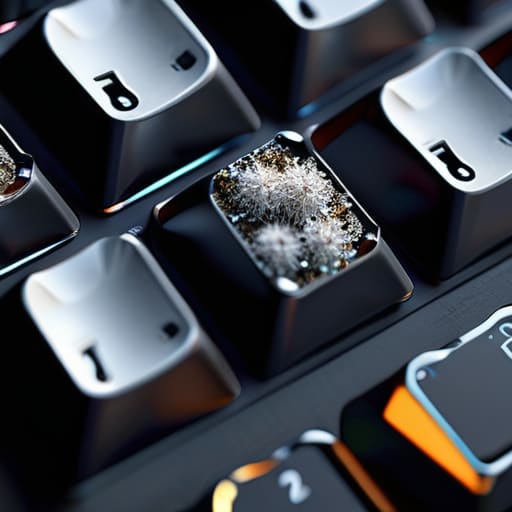

I was mid-clutch in a ranked match last Tuesday when my left click decided to ghost me. It wasn’t a hardware failure or a driver issue; it was just a literal crust of skin cells and spilled soda wedged under the switch. Most people think you need a specialized kit or a professional service to fix a sticky peripheral, but that’s nonsense. If you actually want to know how to clean a mouse and keyboard without accidentally killing your electronics or stripping the coating off your keycaps, you don’t need a degree in engineering. You just need to stop being lazy about the grime that’s actively sabotaging your reaction time.
I’m not going to give you some vague, lifestyle-blog fluff about “creating a clean workspace environment.” I don’t care about your aesthetic. I care that your sensor is tracking poorly because of hair buildup and your mechanical switches feel mushy. This guide is strictly about the specific tools and exact movements you need to restore your gear to factory-level tactile response. I’ll show you how to clear the debris out from under the keys and how to wipe down your mouse sensor without leaving streaks that ruin your aim. No hype, just the actual process.
Table of Contents
Guide Overview
Tools & Supplies
- Compressed air canister for blowing out debris
- Microfiber cloth for wiping surfaces
- Cotton swabs for detailed cleaning in crevices
- Isopropyl alcohol (70% or higher) 1 bottle
- Water (distilled preferred) small amount
- Lint-free wipes 1 pack
Step-by-Step Instructions
- 1. Unplug everything. I don’t care if it’s wireless; turn the switch off and move the dongle. You aren’t trying to short out your hardware because you were too lazy to cut the power before dumping liquid on it.
- 2. Grab a can of compressed air and a decent brush. Flip your keyboard upside down over a trash can and give it a few aggressive shakes to get the dead skin cells and crumbs out. Then, use the air to blow out the gaps between the keys. If you skip this, you’re just pushing the filth deeper into the switches.
- 3. For the mouse, don’t just wipe the top. Get a Q-tip dipped in high-percentage isopropyl alcohol—70% is the bare minimum, 90% is better—and run it through the seams where the shell meets. This is where the grime buildup actually happens, and if it gets into the sensor or the click housing, your aim is going to feel inconsistent.
- 4. If you have a mechanical keyboard and you’re actually serious about this, pull the keycaps. Use a keycap puller, not your fingers, unless you want to snap a stem and regret it. Soak the caps in warm water with a bit of dish soap, scrub them, and let them dry completely before putting them back. If there’s even a drop of moisture left inside when you reattach them, you’re asking for a dead board.
- 5. Clean the mouse sensor. This is the most important part for anyone who actually plays ranked. Use a dry Q-tip to gently swirl around the lens. Do not use alcohol directly on the lens unless you want to ruin the coating, and don’t press hard. If there’s a single hair stuck in there, your tracking is going to jitter, and you’ll blame the game’s netcode instead of your dirty sensor.
- 6. Wipe down the actual surfaces. Use a microfiber cloth—not a paper towel, which leaves lint everywhere—to clean the mouse shell and the keyboard frame. If your mouse feet (the PTFE skates) feel scratchy, use a tiny bit of alcohol on the cloth to wipe away the residual skin oils that build up there. Smooth skates mean consistent glide, and consistent glide means you aren’t fighting your own gear.
Removing Dust From Mechanical Keyboards Without Breaking the Switches
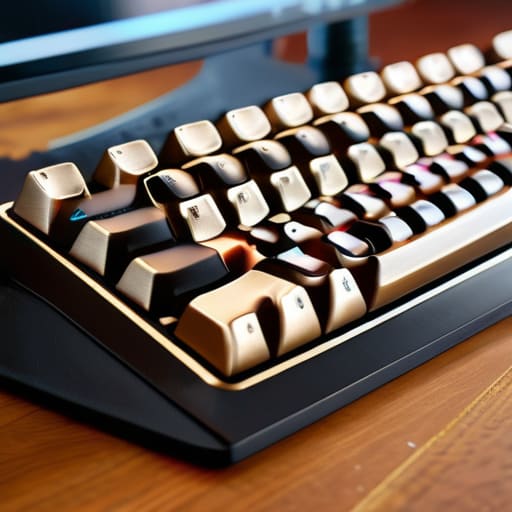
If you’re working with a mechanical board, stop treating it like a plastic slab. The biggest mistake I see is people trying to force hair or debris out of the switches with something sharp, or worse, spraying liquid directly onto the PCB. You aren’t just removing dust from mechanical keyboards; you’re trying to avoid sending a short circuit through your expensive switches. If you have hot-swappable switches, just pull them. If not, use a high-quality keycap puller—not your fingernails—and get those caps off. Once they’re clear, use compressed air in short, controlled bursts. If you blast it too long, you’re just shoving the grit deeper into the housing where it actually matters.
For the stuff that’s stuck deep in the crevices, don’t go hunting for a needle. A soft-bristled brush or even a clean makeup brush works better for flicking out the stubborn crumbs without scratching the plate. If you’re serious about deep cleaning gaming peripherals, this is where you should also be looking at the stabilizer wires. They collect a disgusting amount of skin cells and dust, which eventually turns into a sticky mess that ruins your typing feel. Keep it surgical, keep it dry, and don’t get greedy with the air pressure.
Cleaning the Optical Mouse Sensor to Fix Input Lag
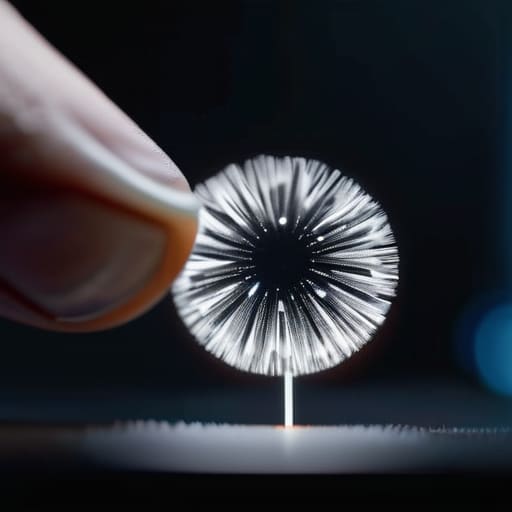
If your aim feels jittery or your crosshair is stuttering during a clutch, stop blaming your aim training and look at your sensor. Most people ignore the tiny lens under the mouse, but a single stray hair or a microscopic clump of skin cells is enough to mess with the tracking. When you’re cleaning optical mouse sensor components, the golden rule is to avoid anything liquid-heavy. You aren’t scrubbing a kitchen floor; you’re dealing with precision optics. Use a dry Q-tip first to lift the loose debris, then if it’s actually stubborn, use a tiny amount of high-percentage isopropyl alcohol on a fresh swab.
Don’t go overboard. If you soak the swab, the liquid will wick into the housing and hit the PCB, which is a fast way to turn a $150 mouse into a paperweight. I’ve seen too many players think they need a full teardown when all they really needed was to remove a single strand of hair that was refracting the light. If you’re already in the habit of deep cleaning gaming peripherals, treat the sensor with the same respect you give your mechanical switches. One wrong move with a wet cloth and your sensor is dead.
Five Things You’re Probably Messing Up While Cleaning
- Stop using heavy-duty degreasers on your keycaps. If you use something too aggressive, you’re going to strip the legends right off the plastic, and then you’re playing a game where you can’t even see your binds. Stick to a slightly damp microfiber cloth or a very diluted isopropyl solution.
- Don’t just blow air at the keyboard and call it a day. If you have crumbs or hair stuck in the housing, you need to actually pop the keycaps off. If you’re too lazy to pull the caps, you’re just pushing the debris deeper into the switch housing, which is a recipe for a dead key.
- When you’re cleaning your mouse feet (the skates), don’t use anything oily. If you get even a trace of grease or heavy lubricant on those PTFE pads, your glide is going to feel inconsistent and “muddy.” I’ve seen people ruin their muscle memory because their mouse suddenly feels like it’s dragging through sand.
- Check your cable for more than just dust. If you’re on a wired setup, wipe down the cord itself. A buildup of grime on a braided cable makes it stick to your desk or mousepad, which ruins your micro-adjustments during high-stakes fights.
- Treat your mousepad as part of the peripheral. If you clean your mouse but leave a layer of dead skin and sweat on the pad, you’re wasting your time. A dirty pad causes inconsistent sensor readings and friction spikes that no amount of “cleaning the sensor” is going to fix.
The Bottom Line
If your sensor is acting up or your clicks feel mushy, stop looking for a software fix; it’s almost always physical debris that needs to be cleared out with compressed air or a Q-tip.
Don’t get aggressive with mechanical switches—you want to remove the dust, not pull the keycaps off with enough force to snap the stabilizers or damage the housing.
Maintenance isn’t a “once a year” thing. If you’re hitting high APM or playing ranked, you should be checking your gear every few weeks to make sure a single hair isn’t tanking your input consistency.
Stop Blaming Your Aim
Look, it isn’t rocket science, but it is easy to ignore. If you’ve actually gone through the motions—clearing the debris out from under your mechanical switches so they don’t double-click, and using compressed air to make sure your sensor isn’t reading a stray hair as a movement input—you’ve already done more than 90% of the player base. Most people just shrug and blame their ping or a bad patch when their tracking feels jittery, but usually, it’s just physical interference causing the inconsistency. Don’t let a layer of dead skin and dust become the reason you’re losing those micro-adjustments in a high-stakes clutch. Keeping your gear clean isn’t about aesthetics; it’s about eliminating variables that you can’t control during a match.
At the end of the day, you can spend hundreds of dollars on a new sensor or a higher polling rate, but if your hardware is a mess, you’re just throwing money at a symptom rather than the cause. I’ve spent too many hours staring at my own sensitivity spreadsheets realizing that my “bad aim” was actually just a mushy keycap or a dirty lens. Take the twenty minutes to actually maintain your setup. You aren’t doing it to look like a pro; you’re doing it so that when you miss a shot, you know for a fact it was a skill issue and not your equipment failing you. Now go get back into the queue.




