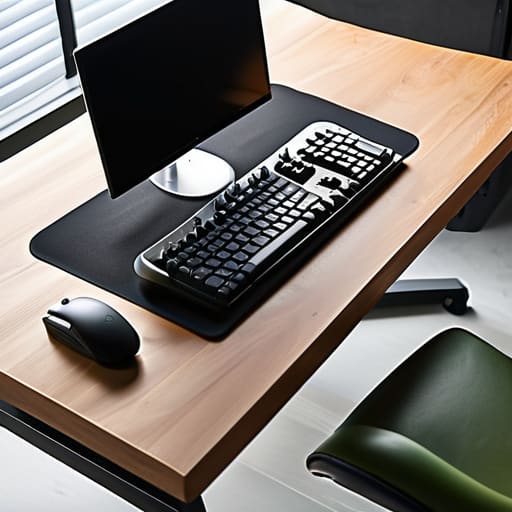

I spent three years thinking I needed a thousand-dollar “ergonomic” chair and a motorized standing desk to stop my back from feeling like it was being compressed by a hydraulic press. It turns out, most of that high-end gear is just marketing fluff designed to separate you from your money. I used to stare at influencer setups and think I was doing something wrong, but the truth is that most of those “aesthetic” layouts are actually terrible for your actual gameplay. If you’re trying to figure out how to arrange a desk for long sessions, stop looking at RGB lighting and start looking at your elbow height and monitor distance.
I’m not here to sell you a lifestyle or tell you that a specific brand of desk will magically increase your APM. I’m going to tell you exactly how I set up my station to avoid the physical burnout that kills a session before the rank climb even starts. We’re going to talk about real-world geometry—monitor tilt, peripheral reach, and why your keyboard placement is probably sabotaging your wrists. No hype, no fluff, just the specific adjustments that actually matter when you’re four hours deep into a grind.
Table of Contents
Optimal Monitor Height and Distance Stop Squinting at the Screen
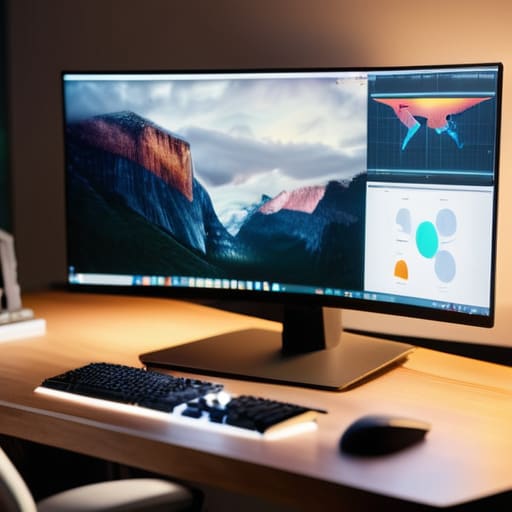
If you’re leaning forward like a gargoyle just to see the UI elements, you’ve already lost. I spent my first hundred hours in competitive shooters with my monitor sitting way too low, thinking I was being “focused,” when really I was just training my neck to hate me. To get the optimal monitor height and distance, your eyes should be level with the top third of the screen. If you’re looking up or down even slightly, you’re inviting a tension headache that will end your session faster than a hardware failure.
Don’t just guess the distance either. You want roughly an arm’s length away—if you have to reach out and touch the glass to feel comfortable, you’re too close. Most people ignore this until they’re reducing eye strain at computer usage becomes a desperate struggle against blurry vision. If you can’t read the chat or your health bar without squinting, move the screen back or increase the scaling in your OS settings. Stop treating your eyes like they have infinite stamina; they don’t.
Reducing Eye Strain at Computer Is Your Lighting a Wall
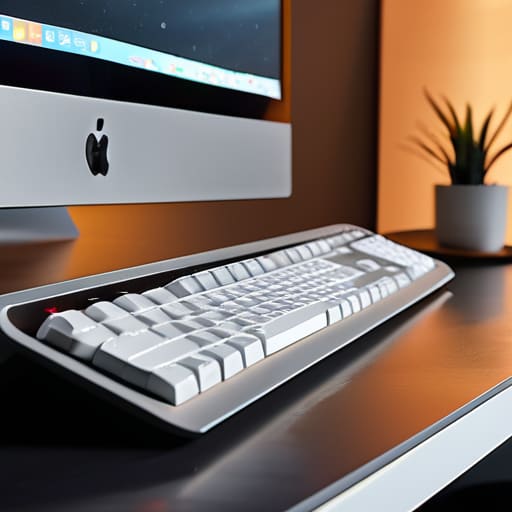
If you’re playing in a pitch-black room with nothing but the glow of a 144Hz panel hitting your retinas, you’re asking for a headache. I’ve spent enough late-night sessions staring at high-contrast UI elements to know that the “immersion” of a dark room is actually just a recipe for eye fatigue. You need ambient light that actually competes with your monitor’s brightness. A cheap LED strip behind the desk—bias lighting, if you want to be technical—can make a massive difference in reducing eye strain at computer by softening that harsh contrast between the screen and the wall.
Stop relying on a single, overhead ceiling light that creates a massive glare on your glass. That’s how you end up leaning forward, ruining your posture, and essentially negating any effort you put into your ergonomic workstation setup. If you have a window, don’t position your desk so the sun hits the screen directly; that’s just a death sentence for visibility. Aim for indirect, diffused light. It’s not about making the room bright; it’s about making sure your eyes aren’t doing extra work just to parse what’s happening in a dark corner of the map.
The Setup Checklist: Small Adjustments That Stop the Physical Grind
- Stop treating your keyboard like a coaster. If your wrists are angled up or down to reach the keys, you’re begging for carpal tunnel. Keep them neutral. If you can’t hit a flat plane, get a wrist rest that actually supports the base of your hand, not just your palms.
- Mousepad real estate isn’t a suggestion; it’s a requirement. If you’re playing anything competitive, a tiny office pad is a death sentence for your aim. Get an XL pad that covers both your keyboard and mouse space so you aren’t hitting the edge of the desk mid-flick.
- Check your chair’s lumbar support before you hit a wall. If you’re slouching into a “C” shape after two hours, your chair is trash. You need your lower back to stay upright. If your chair doesn’t have a built-in curve, roll up a towel and shove it in the small of your back. It’s not pretty, but it works.
- Cable management isn’t just for aesthetic YouTubers; it’s about preventing micro-stutters. If your mouse cord is snagging on your keyboard or a loose USB cable, your input consistency is gone. Use velcro ties to clear the path between your mouse and your monitor.
- The “Reach Test.” Sit in your chair and see what you can touch without leaning forward. Your phone, your drink, and your controller should be in that immediate zone. If you have to lean or stretch to grab a water bottle, you’re breaking your posture and ruining your focus every single time.
The Bottom Line: Stop Sabotaging Your Session
If your monitor is even two inches too low, you’re going to spend the next four hours fighting neck tension instead of the boss. Get your eyes level with the top third of the screen and leave it there.
Ambient light isn’t just about “vibes”—if you’re playing in a dark room with a high-nit monitor, you’re asking for a headache. Balance your room brightness to match your screen, or you’ll hit a wall halfway through your first ranked session.
Stop treating your setup like a static object. If you feel your posture slipping or your eyes burning, your settings are wrong. Adjust the distance, fix the light, and stop trying to power through physical discomfort with sheer willpower.
The Final Patch Notes
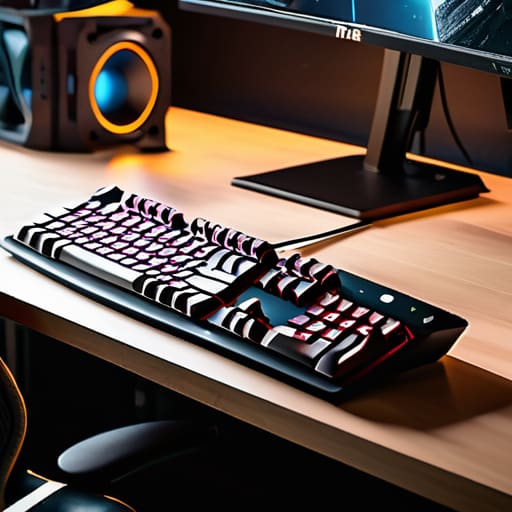
Look, I’m not telling you to spend three months’ rent on a Herman Miller or a motorized standing desk. That’s just more hype for the same result. If you’ve actually implemented what we talked about—fixed your monitor height so you aren’t leaning forward like a gargoyle, adjusted your lighting so your eyes aren’t fighting a glare, and actually checked your peripherals—you’ve already won half the battle. It’s about removing the friction between your brain and the game. If your setup is fighting you, you’re losing focus before the match even starts. Stop ignoring the physical grind and start treating your ergonomics like a mandatory optimization pass for your actual performance.
At the end of the day, your setup shouldn’t be something you have to “manage” or think about; it should just exist so you can play. I’ve spent way too many hours staring at a spreadsheet of my own mistakes because I thought I could outplay a bad posture or a poorly lit room. You can’t. You can have all the mechanical skill in the world, but if your body is hitting a wall at hour three, you’re just wasting your potential. Fix the small, boring stuff now so that when you finally hit that high-stakes moment, the only thing you have to worry about is the input.




